Brand Your Site Value with Marketing Graphics Design
To capture audience attention with your marketing strategies, choosing the best typography is crucial. Define font type
Read More
In today’s digital world, website security is more important than ever. With cyber threats on the rise, protecting your website from hackers and malicious attacks is crucial. In this blog post, we will discuss essential website security tips to help keep your site safe and secure.
One of the simplest yet most effective website security tips is to keep all your software up to date. This includes your content management system (CMS), plugins, and themes. Regular updates ensure that any security vulnerabilities are patched, reducing the risk of a cyber attack.
Using strong, unique passwords for your website’s admin area, databases, and other critical accounts is essential. Avoid common passwords and use a combination of letters, numbers, and special characters. Consider using a password manager to generate and store complex passwords securely.
An SSL (Secure Sockets Layer) certificate encrypts the data transmitted between your website and its visitors, making it harder for hackers to intercept and steal information. An SSL certificate boosts your website’s credibility and improves your search engine rankings.
A web application firewall (WAF) acts as a shield between your website and potential threats. It filters out malicious traffic and blocks harmful requests, protecting your site from common attacks like SQL injection and cross-site scripting (XSS).
Regular backups are crucial for website security. In the event of a cyber attack, hardware failure, or human error, a recent backup can help you quickly restore your website to its previous state. Ensure that backups are stored securely and performed on a regular schedule.
Restricting access to your website’s admin area is another important security measure. Only grant access to users who need it and use the principle of least privilege. This means giving users the minimum level of access necessary to perform their tasks.
Regularly scanning your website for malware can help you identify and remove threats before they cause significant damage. Use security plugins or online tools to perform scans and monitor your website for suspicious activity.
Two-factor authentication (2FA) adds an extra layer of security to your login process. In addition to a password, users must provide a second form of identification, such as a code sent to their phone. This makes it much harder for unauthorized users to gain access to your website.
Website security is an ongoing process that requires vigilance and proactive measures. By following these website security tips, you can significantly reduce the risk of cyber-attacks and protect your site’s data and integrity. Stay updated, use strong passwords, and implement security tools to ensure your website remains safe and secure.
Understand The Best Web Designing & Development Practice
To Boost Your Online Presence

To capture audience attention with your marketing strategies, choosing the best typography is crucial. Define font type
Read More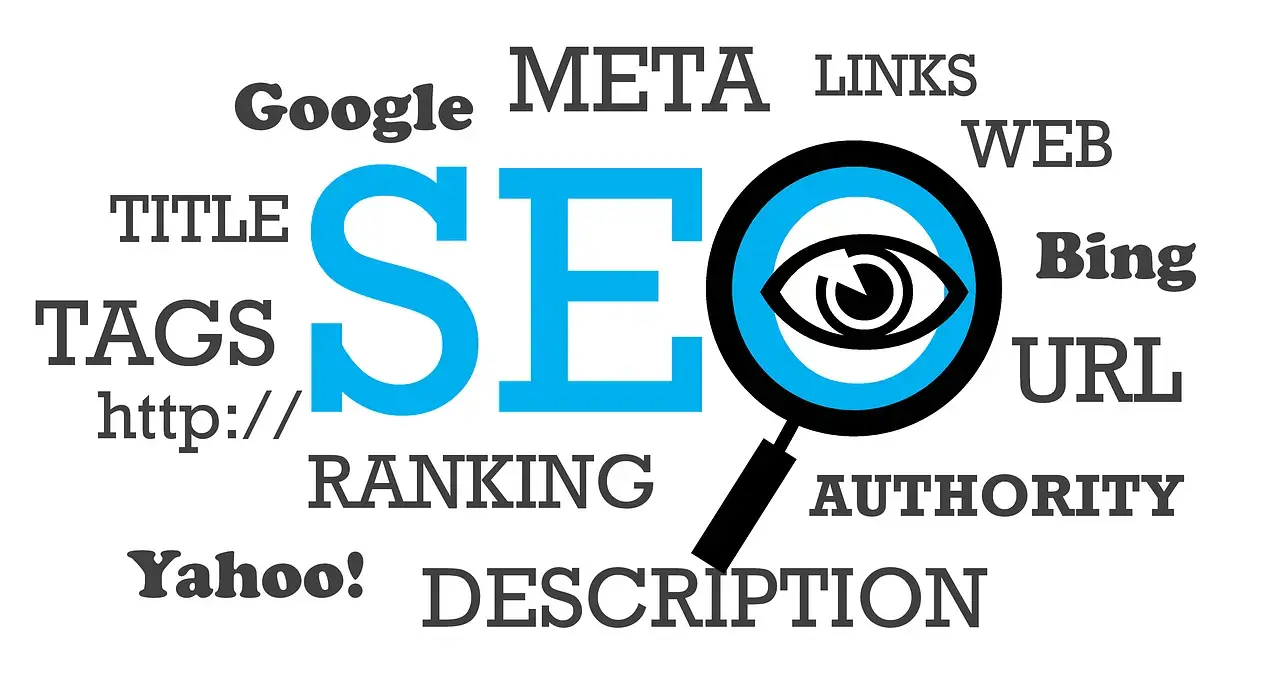
For you website visibility to very high across all search engines ensuring your website adheres to SEO best practices
Read More
Creating a business website is a crucial step toward establishing a strong online presence and attracting customers
Read More