Brand Your Site Value with Marketing Graphics Design
To capture audience attention with your marketing strategies, choosing the best typography is crucial. Define font type
Read More
In today’s digital age, having a professional online presence is essential for any business. Whether you’re starting a new venture or looking to enhance your existing business’s visibility, creating a website can significantly boost your brand’s credibility and attract more customers. This step-by-step guide will walk you through the process of creating a business website that effectively represents your brand and drives growth.
1. Identify Your Objectives: Determine what you want to achieve with your business website, whether it’s to showcase your products/services, generate leads, sell products online, or provide valuable information to the visitors.
2. Understand Your Target Audience: Define your target audience’s demographics, preferences, and needs. Tailor your website’s design and content to appeal to your ideal customers effectively.
3. Competitive Analysis: Research competitors in your industry to identify best practices, unique selling points (USPs), and opportunities for differentiation.
1. Select a Domain Name: Choose a domain name that reflects your business name and services. Use domain registrars like Hostinger GoDaddy , bluehost , hostpinacle, Kenya Web Expert or Truehost to check availability and register your domain.
2. Choose a Hosting Provider: Select a reliable hosting provider that offers features such as security, scalability, and 24/7 support. Recommended options include Hostinger, GoDaddy, Bluehost, hostpinacle, or Kenya Web Expert or Truehost, which cater to different business needs and offer easy WordPress installation.
1. Create a Sitemap: create a sitemap of your website for the crawler to navigate easily on the site. A clear sitemap helps organize your content and improve navigation for visitors and search engine crawlers.
2. Content Strategy: Write high-quality content, images, videos, and blogs to encourage link-building. Avoid using someone’s work and linking unsecured websites.
1. Select a Website Platform: Choose a platform that suits your business needs and technical expertise. WordPress is highly recommended and easy to use. Other options include Wix, Squarespace/, and Shopify (for e-commerce).
2. Choose a Professional Design: Select a responsive website theme or template that aligns with your brand’s aesthetics and functionality requirements. Customize colors, fonts, and layout to create a cohesive and visually appealing design.
Set Up Essential Pages: Create and publish essential pages using your chosen platform’s content management system (CMS). Include compelling content, clear calls to action (CTAs), and contact information.
2. Integrate Business Tools: Install and configure plugins or integrations to enhance your website’s functionality
1. Optimize for Speed: Ensure your website loads quickly by optimizing images, enabling caching, and using a Content Delivery Network (CDN) if necessary. Tools like Google PageSpeed Insights can help identify areas for improvement.
2. SEO Optimization: Improve your website’s visibility in search engine results by:
1. Test Your Website: Thoroughly test your website’s functionality, responsiveness, and user experience across different devices and browsers. Check for broken links, forms, and compatibility issues.
2. Launch Your Website: Once everything is tested and finalized, launch your business website. Remove any maintenance mode or coming soon pages, and announce your website’s launch through social media, email newsletters, and other marketing channels.
3. Promote Your Website: Drive traffic to your website and increase visibility through: Content Marketing: Publish blog posts, articles, and guides that provide value to your target audience.
Social Media Marketing: Share updates, engage with followers, and run targeted ad campaigns on platforms like Facebook, Instagram, LinkedIn, and Twitter.
Email Marketing: Build an email list and send newsletters, promotions, and updates to subscribers to encourage repeat visits and conversions.
Creating a business website is a crucial step toward establishing a strong online presence and attracting customers. By following this comprehensive guide, you can plan, create, and launch a professional website that effectively represents your brand, engages visitors, and drives business growth.
Understand The Best Web Designing & Development Practice
To Boost Your Online Presence

To capture audience attention with your marketing strategies, choosing the best typography is crucial. Define font type
Read More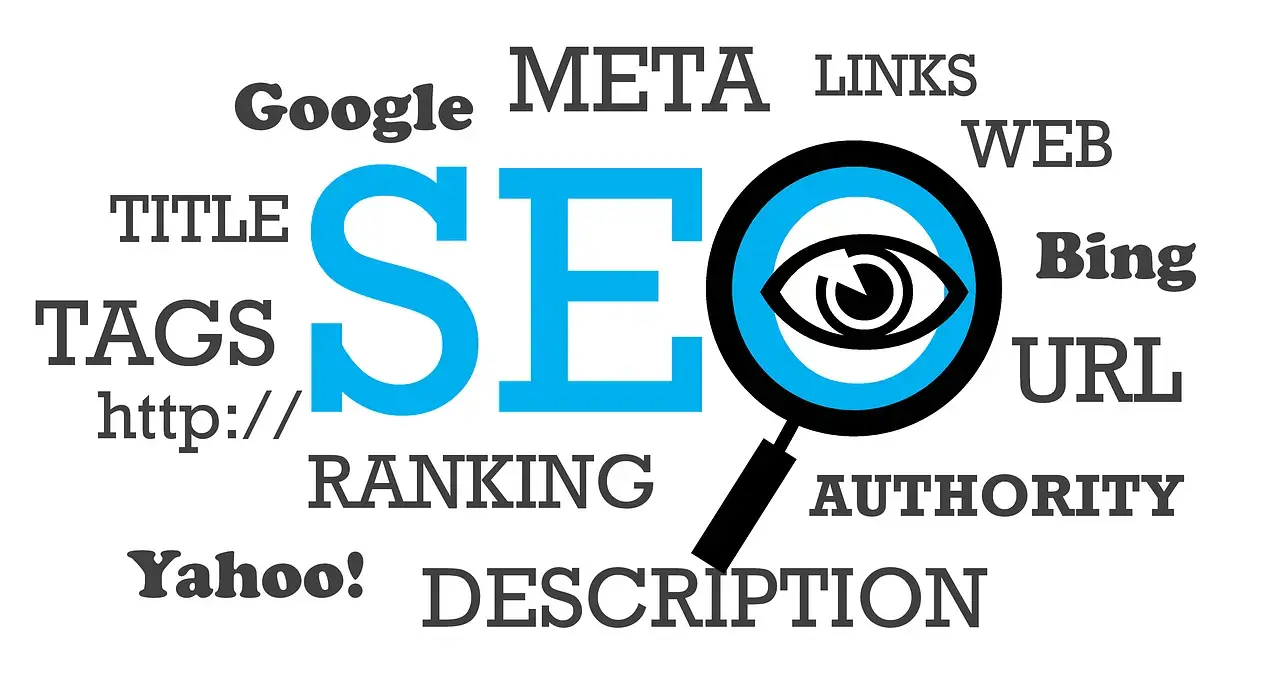
For you website visibility to very high across all search engines ensuring your website adheres to SEO best practices
Read More
Creating a business website is a crucial step toward establishing a strong online presence and attracting customers
Read More